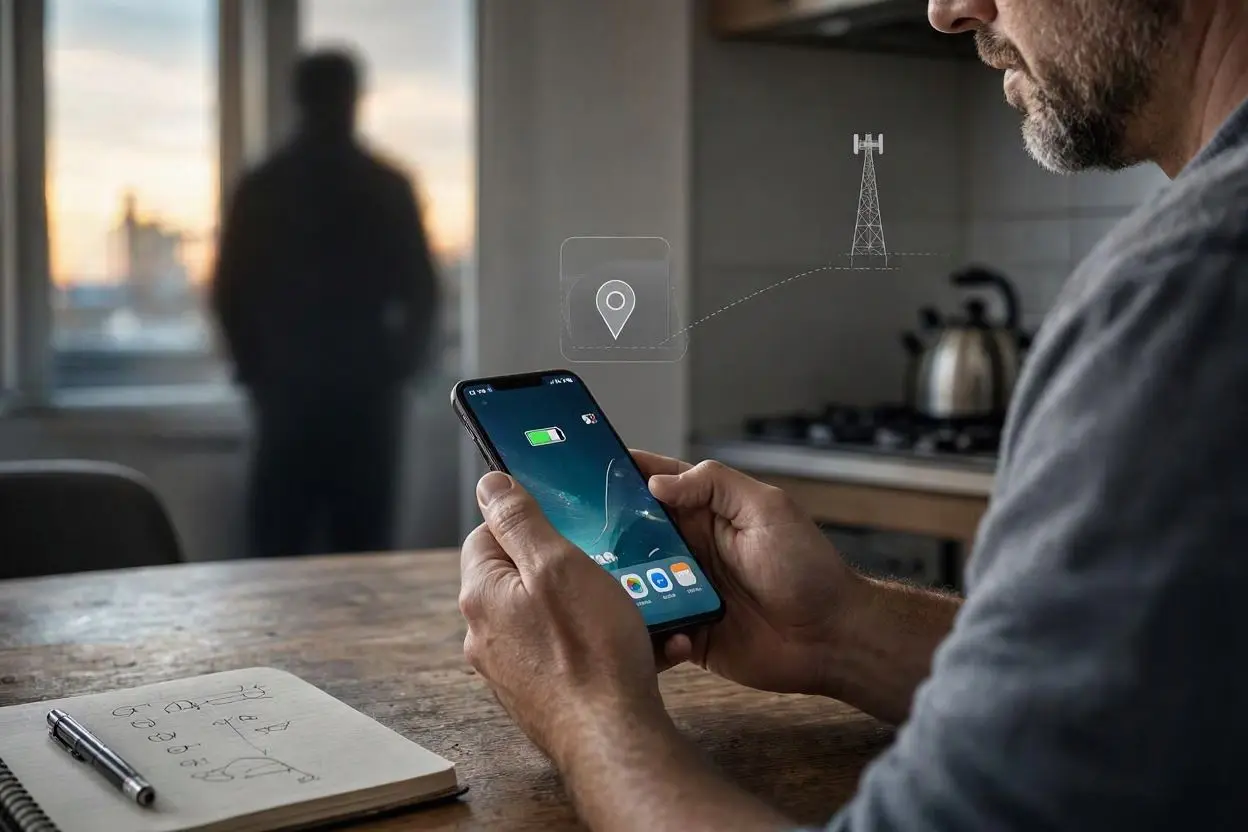
Your phone contains a surprising amount of personal information, including your location, messages, photos, contacts, browsing activity, and account details. Because of this, it is understandable to wonder whether someone could be tracking or monitoring your phone without your knowledge.
The good news is that there are several things you can check yourself.
If you have noticed unusual battery drain, unexpected data usage, strange apps, or location services turning on when you did not enable them, these may be signs that something deserves a closer look. However, one unusual symptom does not automatically mean your phone is being tracked. Battery problems, software updates, weak signals, and normal background activity can cause similar behavior.
Here is how to tell if your phone is being tracked without permission and what you can do if something looks suspicious.
1. Check Your Phone for Unknown Apps
One of the easiest places to start is your installed apps.
Open your phone’s app list and look for applications you do not recognize. Pay particular attention to apps that you do not remember installing or apps with vague names that appear unrelated to anything you normally use.
Some legitimate system apps may have unfamiliar names, so do not immediately delete an app simply because you do not recognize it.
Instead, check:
- When the app was installed
- What permissions it has
- Whether you actually use it
- Which account installed it
- Whether it has access to your location, microphone, camera, contacts, or files
If an unfamiliar application has powerful permissions that it does not appear to need, investigate it before taking further action.
2. Look for Unusual Battery Drain
Unexpected battery drain can sometimes be a warning sign.
Monitoring or tracking software may run processes in the background, which can increase battery usage. If your phone suddenly starts losing battery much faster than usual, check which apps are using the most power.
On Android and iPhone devices, you can generally find battery usage information in Settings.
Look for an application that:
- Uses a large amount of battery in the background
- You rarely use
- You do not recognize
- Continues running when you are not actively using it
However, battery drain alone is not proof that someone is tracking your phone. An aging battery, poor cellular reception, gaming, video streaming, or a recent software update can also cause increased battery usage.
3. Check Which Apps Have Location Access
Location information is one of the most sensitive types of data on a smartphone.
If you are concerned about unauthorized tracking, review which apps can access your location.
On your phone’s privacy settings, look for Location Services, Location Permissions, or a similar option.
Review apps that have permission to access your location and ask yourself whether each one actually needs it.
For example, a navigation app may reasonably need location access. A simple flashlight or note-taking app usually has much less reason to know your location.
Where possible, choose more restrictive options such as:
- Allow only while using the app
- Ask every time
- Do not allow
The exact options vary between Android and iPhone.
4. Check Location Sharing
Sometimes phone tracking is not caused by spyware at all. Your location may simply be shared through an account or an application.
Check services that allow location sharing with friends, family members, or other accounts.
Depending on your phone and apps, this may include:
- Apple’s Find My
- Google Maps location sharing
- Family or parental-control services
- Messaging and social media apps
- Third-party safety applications
Review who can see your location and remove people or accounts you no longer want to share it with.
This is one of the most important checks if you are trying to find out whether someone can see your location.
5. Watch for Unexpected Data Usage
Tracking applications may communicate with remote servers, which can sometimes increase mobile data usage.
Check your phone’s cellular or mobile data statistics and look for apps using an unusual amount of data.
For example, if an app you rarely use suddenly consumes significant background data, investigate why.
Again, unusual data usage does not automatically mean spyware is installed. Cloud backups, automatic photo uploads, video apps, operating-system updates, and social media can also consume a lot of data.
The important thing is to compare the current usage with your normal pattern.
6. Pay Attention to Strange Phone Behavior
Another possible warning sign is unusual behavior that you cannot explain.
For example, you might notice:
- Apps opening unexpectedly
- Settings changing without you doing it
- Unexpected pop-ups
- The phone becoming unusually slow
- The screen turning on by itself
- Unknown notifications
- Calls or messages you do not recognize
- Microphone or camera indicators appearing unexpectedly
These symptoms can have many explanations, including normal software bugs.
If several unusual signs appear together, however, it is worth checking your phone’s apps, permissions, accounts, and security settings.
7. Check Your Google or Apple Account
Someone may not need special spyware to access information from your phone. If another person has access to your Google or Apple account, they may potentially access synced information or other connected services.
Review the devices signed in to your account.
If you find a device you do not recognize, investigate it.
You should also:
- Change your account password.
- Enable two-factor authentication.
- Sign out of unfamiliar devices.
- Review connected apps and services.
- Make sure your recovery information is correct.
Use a strong password that you do not reuse on other websites.
8. Check for Unknown Device Management or Profiles
This is particularly important for iPhones and phones used for work or school.
Some organizations use device-management profiles to configure and manage company-owned devices. These can be legitimate.
However, if you find a management profile that you do not recognize on a personal phone, investigate it.
Check your device’s settings for profiles, device management, VPN configurations, or administrator access.
Do not remove something important from a work or school phone without understanding what it does first.
9. Keep Your Phone Updated
Installing operating-system and security updates is one of the simplest ways to improve phone security.
Updates often include security fixes that address vulnerabilities attackers could potentially exploit.
Make sure your phone is running a supported version of its operating system and keep important apps updated as well.
You should also avoid installing applications from suspicious websites or unofficial sources.
When possible, download apps from the official app store associated with your device.
10. Review Your Phone’s Security Settings
Take a few minutes to review the privacy and security sections of your phone.
Look at:
- Location permissions
- Camera permissions
- Microphone permissions
- Contacts access
- Photos and files access
- Notification access
- Accessibility permissions
- Device administrator permissions
- VPN settings
- Installed profiles
Pay special attention to powerful permissions.
For example, an unfamiliar application with extensive accessibility or device-management privileges deserves closer investigation.
11. Be Careful With Suspicious Messages and Links
Sometimes unauthorized access begins with a phishing message rather than an advanced tracking tool.
You might receive a message claiming that your account has been compromised, your package is waiting, or you need to verify your information.
The message may contain a link designed to steal your login details.
Never enter your password or financial information into a website simply because a message tells you to.
Instead, open the official app or type the official website address yourself.
12. What to Do If You Think Someone Is Tracking Your Phone
If you find convincing evidence that someone has unauthorized access to your device or accounts, take action carefully.
Start by changing important passwords from a device you trust.
Then enable two-factor authentication and review your account’s signed-in devices.
Remove unfamiliar apps and revoke unnecessary permissions.
If the problem continues, back up your important personal information and consider resetting the phone to factory settings.
A factory reset can remove many unwanted applications, but you should first make sure your important photos, contacts, documents, and other information are safely backed up.
After the reset, install only trusted applications and avoid restoring suspicious software or unknown configuration profiles.
Can Someone Track Your Phone Without You Knowing?
Yes, it is technically possible for someone to obtain location or other information without your knowledge. However, not every strange phone symptom means that this is happening.
There are several legitimate reasons why your phone might show increased battery usage, data consumption, background activity, or location access.
The best approach is to look for multiple indicators instead of relying on a single symptom.
Checking your installed apps, account activity, location-sharing settings, permissions, and security settings can help you determine whether something is actually wrong.
How to Protect Your Phone From Unauthorized Tracking
You can reduce the risk of unauthorized tracking by following a few basic security practices.
Use a strong screen lock and avoid sharing your phone’s passcode.
Keep your operating system and apps updated.
Review app permissions regularly.
Only install applications from trusted sources.
Use two-factor authentication on important accounts.
Do not click suspicious links in unexpected messages.
Review which devices are signed into your Google or Apple account.
Also, avoid giving unnecessary apps access to your location, microphone, camera, contacts, or personal files.
Final Thoughts
Knowing how to tell if your phone is being tracked without permission starts with paying attention to changes in your phone’s behavior and checking the settings that control access to your information.
Unknown apps, unexpected location sharing, unfamiliar signed-in devices, unusual permissions, and unexplained account activity are worth investigating. At the same time, remember that symptoms such as battery drain or slow performance can have completely normal causes.
The safest approach is to check your phone’s privacy and security settings, secure your online accounts, keep your software updated, and remove access that you do not recognize or need.
FAQs
How can I tell if someone is tracking my phone?
Check for unknown apps, unfamiliar signed-in devices, unexpected location sharing, unusual permissions, and unexplained changes in battery or data usage. One symptom alone is not enough to confirm tracking.
What are the signs that my phone is being monitored?
Possible signs include unusual battery drain, unexpected data usage, unknown apps, strange notifications, unexplained settings changes, and unfamiliar account activity. These signs can also have normal technical causes.
Can someone track my location through my phone?
Yes. Location can potentially be shared through phone features, apps, accounts, or location-sharing services. Review your location permissions and active location-sharing settings to see who or which apps have access.
How do I check if my location is being shared?
Open your phone’s privacy and location settings and review apps and services that have access to your location. Also check location-sharing features associated with your Google or Apple account.
Can someone track my phone through my Google account?
If someone has unauthorized access to your Google account, they may be able to access certain information or services connected to the account. Review signed-in devices, change your password, and enable two-factor authentication if you notice anything suspicious.
How do I know if spyware is installed on my phone?
Look for unfamiliar applications, unusual permissions, unexplained background activity, and unexpected changes in phone behavior. If you strongly suspect spyware, consider having the device checked by a trusted security professional or performing a properly prepared factory reset.
Does fast battery drain mean someone is tracking my phone?
Not necessarily. Battery drain can be caused by an old battery, poor signal, demanding apps, background processes, software updates, or many other factors. It becomes more concerning when it appears alongside other unusual activity.
How can I stop someone from tracking my phone?
Review location sharing, remove unfamiliar applications, revoke unnecessary permissions, secure your Google or Apple account, enable two-factor authentication, and keep your phone updated. If necessary, back up important data and perform a factory reset.
Can a factory reset remove phone tracking software?
A factory reset can remove many unwanted applications and configurations, but the exact result depends on the type of access involved. After resetting, update the phone and only reinstall trusted applications.
Should I be worried if I find an unknown app?
An unknown app does not automatically mean your phone is being tracked. Some system components have unfamiliar names. Check what the application does, where it came from, and what permissions it has before removing it.