
A Starter Checklist Before You Open Any Editing App
The first clip you shape with an automated editor rarely takes the few minutes promised on the landing page, and that gap is mostly learning rather than failure. Every beginner meets the same surprise: the software is fast at the parts it advertises and slow everywhere a decision is needed, and first attempts are made of decisions. Going in with a short checklist, settled before the app is even opened, removes a surprising share of that friction, because most early delays are not editing problems at all. They are hunting problems, setup problems, and second guessing problems wearing an editing costume.
Work through the list in prose and in order. Footage first: gather the clips for one short video into a single folder, named clearly, so nothing has to be searched for mid edit. Audio next: listen once to the main recording and be honest about its quality, because transcription accuracy depends heavily on how clean the speech is, and a noisy room will cost caption fixing time later no matter which tool is chosen. Tool choice comes third, and the beginner rule is to pick one editor and stay with it for several projects, since hopping between apps restarts the learning curve each time and manufactures delay that looks like software failure. Learners comparing creative tools often start by asking how long each one takes to feel natural, and honest accounts of what it really takes to use AI presentation builders from the first attempt onward make useful reading at this stage, because they show the slow first project for what it is: a learning cost shared by every tool of this kind, not a verdict on the one in front of you.
The remaining items are quiet but powerful. Set up a reusable template before the first real edit: caption style, title placement, colors, and a standard opening and closing, saved once so they never have to be reinvented. Decide the export settings in advance as well, meaning the shape of the frame for where the video will be posted and a sensible quality level, rather than improvising at the export screen when patience is thinnest. The overview of video editing on Wikipedia covers the core craft of turning raw footage into a finished sequence, and reading the job that way, as a sequence of deliberate choices rather than a single button press, explains why this preparation pays: the choices do not disappear, so making them early and once is the cheapest way to pay for them.
Your First Short Clip, Stage by Stage
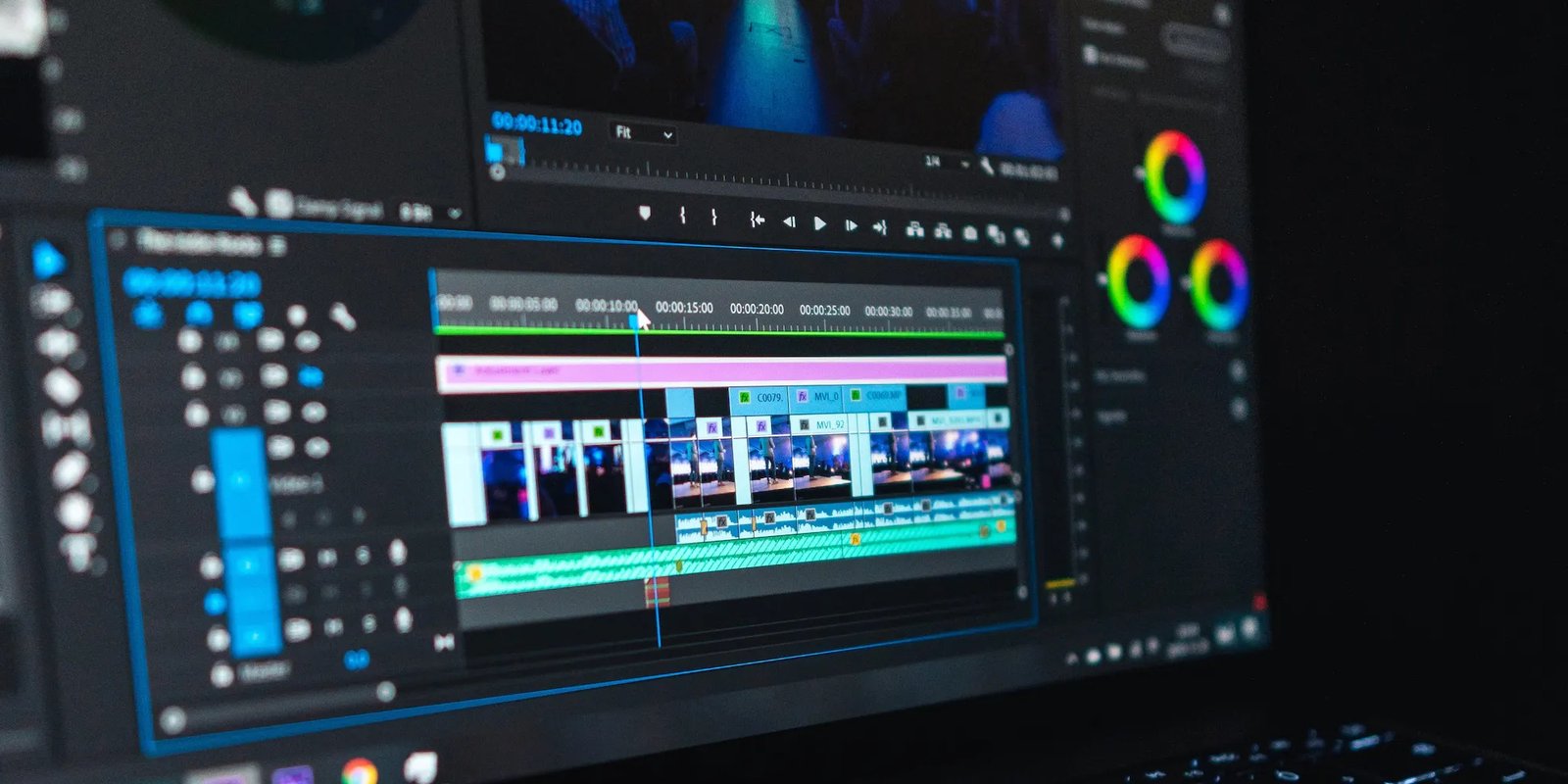
With the checklist done, the first clip itself unfolds in a predictable order. It begins with import and a rough pass: the footage goes in, the automated transcription runs, and the silences and stumbles that these editors remove so proudly are cut away. This stage feels miraculously quick, and it is where the landing page promises come from. Then the shape of the piece is decided: which opening line earns attention, what can be dropped entirely, and where the order of ideas needs rearranging. Machines do not make those calls, because they cannot tell a strong sentence from a weak one, only a silent gap from a spoken word.
The middle stretch is caption and cut work, and it deserves its own honest warning below. After it comes the visual pass: titles placed, the template applied, any reframing settled for a vertical format if the destination demands one, where the wide shot is converted and the framing checked so the speaker has not been cropped into a floating forehead. Sound gets a pass of its own, balancing voices against any background music and catching the spots where an aggressive silence cut has clipped the start of a word.
Export closes the job, and its timing refuses to be promised precisely. Export time varies with clip length, with the resolution chosen, and with whether the processing happens on your own device or in the cloud, where connection speed joins the list of things that matter. A short clip may render while you make tea; a longer or heavier one may take long enough that planning anything around its finish is a mistake. Build the wait into the session rather than discovering it at the end, especially when a posting deadline sits on the same day.
Where Beginners Lose Time on Captions, Cuts and Exports
Captions eat the largest share of beginner time, and the reason is no mystery once it is stated. Automated transcription is impressive and imperfect in the same breath. Its accuracy depends on recording quality, on background noise, and on how clearly people speak, so names come out wrong, technical words are guessed at, and two speakers talking across each other can produce lines that belong to nobody. Reviewing and correcting captions is therefore a real stage of the work, not a formality, and skipping it publishes errors under your own face and name. The fix is upstream as much as downstream: a quiet room and a clear voice at recording time repay themselves many times over at this stage.
Cuts leak time in a different way, through indecision rather than error. A beginner replays the same borderline segment again and again, unable to settle whether it earns its place. The automated removal of pauses encourages a false sense that the edit is finished, when in truth the judgement calls have barely started. A useful discipline is to make two passes with different jobs: one pass only for structure, where whole segments live or die, and a later pass for polish, where small trims are allowed. Mixing the two passes turns a half hour of work into an afternoon of circling.
Exports leak time through repetition. Choosing the wrong frame shape, spotting a caption error after rendering, or discovering the branding template was never applied sends the project back for another render, and each return trip carries the full export wait with it. The page on non linear editing at Wikipedia explains how digital systems let editors rearrange clips freely without damaging the source material, and that freedom is real, yet it tempts beginners into endless rearranging precisely because nothing is ever destroyed. A final watch through at full attention, before the export button is pressed, is the cheapest render a beginner will ever produce: the one that never has to happen twice.
Building Speed Across the Next Few Projects
The encouraging truth is that the second video is not slightly faster than the first. It is dramatically faster, and the third faster again, because so much of the first project’s time was spent on one time setup and first time learning rather than on editing itself. Templates carry the clearest gain. Reusing a saved template for captions, branding, and layout is a recognized way to make later videos noticeably quicker, because the decisions about fonts, colors, placement, and structure no longer need repeating. What felt like an afternoon of fiddly choices becomes a selection made once and inherited forever.
Learners often compare their pace across different tools, and the comparison misleads in an instructive way. Someone who has learned a neighbouring creative tool will find the same pattern there as here: a slow first project dominated by setup and unfamiliar screens, then a steep improvement once templates and habits exist. The lesson travels between tools because the bottleneck was never the software category. It is the human learning curve, and it is climbed once per workflow rather than once per video, provided the workflow is allowed to settle instead of being swapped for a new app every fortnight.
Speed also grows from smaller habits compounding. Recording in a quieter space cuts caption correction. Filming with the final frame shape in mind cuts reframing. Keeping clips for each project in one named folder cuts hunting. Reviewing the near finished piece once, carefully, before export cuts re renders. None of these is a talent. Together they describe learning showing up the way it actually does in this craft: as a falling time per video across the early projects, steady and measurable, rather than as instant speed on the very first day.
A Practice Routine That Fits Around Real Life
Skill in editing behaves like skill in most crafts: short, regular practice beats occasional heroic sessions, because the hands and eyes forget less between sittings. A routine that fits real life might mean editing one short clip a week, always in the same format, rather than attempting a grand project whenever motivation strikes. The same format is a deliberate choice, not a lack of ambition. Repetition of one shape, a short spoken update or a simple demonstration, lets the stages become automatic in the order they occur, and automatic stages are where the minutes quietly fall away.
Keep each practice session bounded and aimed. One session might focus only on caption correction until it feels quick and reliable. Another might be spent building a better template and testing it on an old clip. A third might practice the two pass cutting method on footage that carries no deadline at all. Working on footage that does not matter is a genuine advantage here: mistakes cost nothing, experiments are safe, and the lessons arrive before a real audience is watching. Trying to learn everything on a video that must be posted tonight is the slowest route available, disguised as efficiency.
Measure progress the honest way, by noting roughly how long each finished clip took and watching the trend across projects rather than judging any single attempt. The first video taking far longer than promised is normal, expected, and shared by essentially every beginner who has posted about it afterwards. What separates the people who become quick from the people who give up is rarely aptitude. It is whether the early, slow projects were treated as tuition and repeated until the routine formed. Give the craft a handful of patient repetitions, and the tool that felt misleading on day one starts keeping the promises its landing page made, because by then you are supplying the half of the speed that was always yours to supply.

One comment