
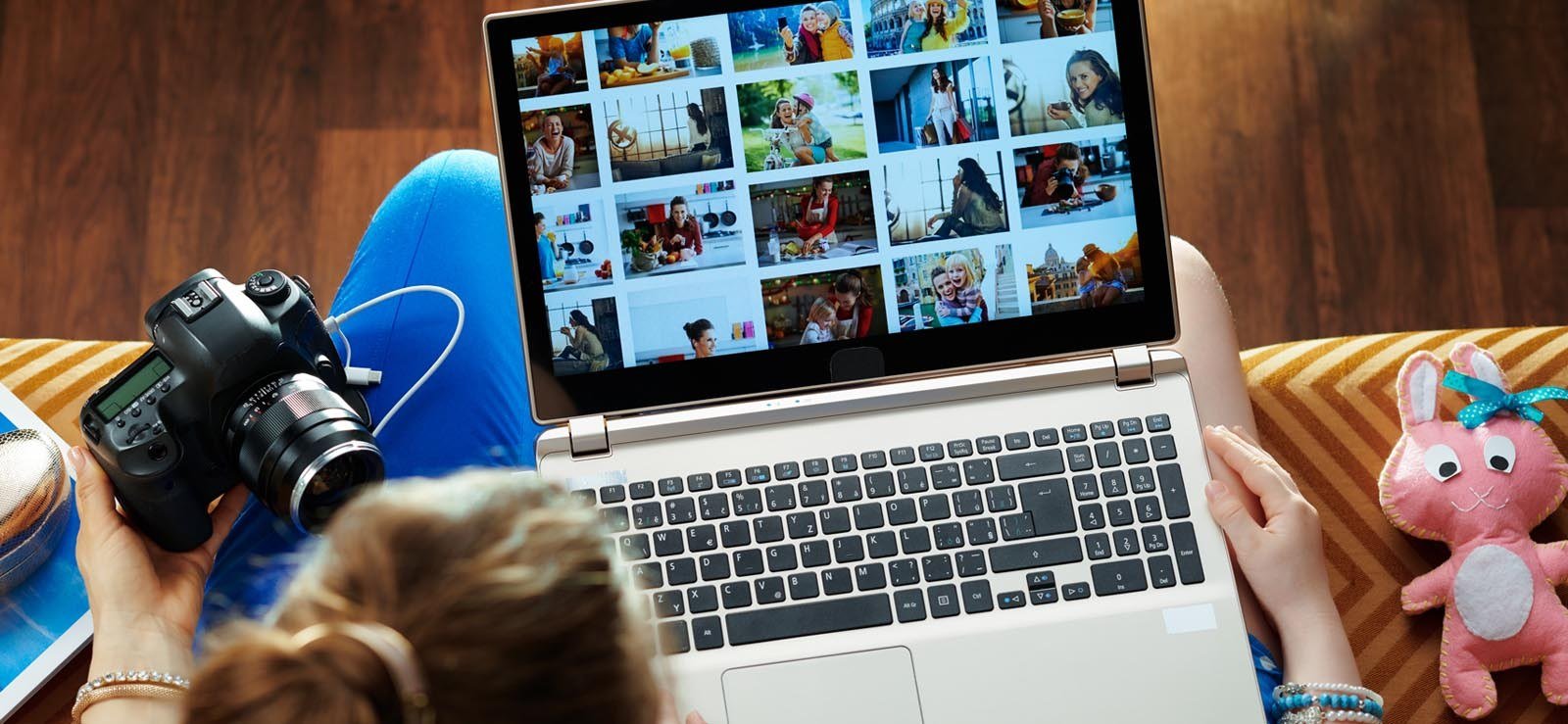
Somewhere across four old handsets, two laptops and a drawer of memory cards sit the only copies of a decade of birthdays — and finding any one of them takes longer than the party lasted. The fix is not a new camera or a paid service; it is one weekend of gathering, one organiser everyone actually uses, and a folder spine that stays sortable for years. Before a single file moves, make a safety copy, and the clearest walkthrough of that safety net is the guide to back up photos automatically and safely at home, which keeps the whole rescue risk-free. What follows answers the questions readers raise most often, in the order a household would meet them: where the pictures hide, which free tool becomes the single home, how folders should run, how to cull without regret, how faces and tags make searching instant, and what to do with odd formats, screenshots and prints from the shoebox.
Why the pictures scatter and where to gather them first
A phone today carries thousands of pictures, and a family computer can hold tens of thousands more, yet the collection never lives in one place. Shots hide on handsets, on old handsets in drawers, on laptops, on memory sticks, inside email attachments, among social downloads, and on memory cards from cameras that nobody has charged in years. Each new device became a fresh starting point, and each messaging app quietly saved its own copies, so the same birthday now exists in four places at four different sizes. Gathering everything into one master inbox folder is the opening move, and it should happen before any sorting begins.
Copy, never move, at this stage, and do not delete anything yet. The gathering pass often turns up forgotten treasures, and it almost always reveals triplicates of the same holiday. Expect an evening of quiet copying, with chargers, cables and card readers laid out like tools on a bench. Once every source has emptied into the inbox, copy the whole inbox to a second drive before changing anything, because organising involves moving and deleting, and a safety net turns a rushed mistake into a shrug. Only when the backup is verified does the real organising begin.
One free organiser that becomes the single home
Three free organisers cover nearly every household. Google Photos offers a free tier with strong search and face grouping, works on every platform, and suits families with a mix of phones and computers. Apple Photos is free on Mac and iPhone, and suits households that already live inside Apple gear. DigiKam costs nothing, its code is open for anyone to inspect, it works on a Windows machine, and it manages a large home library with no cloud involved, which suits people who want everything kept at home. Each one keeps a catalogue beside the folders, so pictures can be located by when they were taken, who appears in them, or a word attached to them, with no need to shuffle files by hand. Background on the most widely used of the three is available from the encyclopaedia entry on Google Photos, which describes its search and grouping features.
Pick one and commit, because the usual failure is running three half-used systems at once. A household that splits its library between two apps and a folder on a desktop ends up searching three places for every memory, which is exactly the muddle the project was meant to end. For most families, the simplest choice wins: the organiser that already sits on the phones everyone carries. DigiKam suits the privacy-minded household with a big local library and no wish for cloud storage. Whichever one is chosen, every new picture should land there from now on, so the library grows in one place instead of scattering again.
A year-and-event folder spine that stays sortable
Clever software helps, yet a clear folder spine remains the foundation. Archive professionals advise a year folder holding a dated event folder, because that shape stays easy for people to browse and simple for machines to sort. A year folder holding an event folder named with its month and occasion reads clearly years later, and it sorts itself chronologically without any extra effort. Avoid clever schemes that sort folders by person or by theme; that work belongs to tags and albums, which can hold the same picture under many labels at once, while a folder can only hold it in one place.
Bulk renaming is the small habit that saves hours later. A mess of camera-generated filenames becomes useful once dates are added in bulk, using free renaming tools on Windows or built-in automation on a Mac. Keep the pattern steady across every year, resist the urge to invent a new scheme halfway through, and let the folder names do the quiet work of keeping time in order.
The ruthless cull and the duplicate hunt
Nobody needs dozens of lookalike frames of one sunset. Open one event folder at a time and keep only the strongest tenth to fifth of lookalike shots, and be firm with blurry frames, accidental pocket pictures, burst sequences that ran on too long, and screenshots that wandered into the library. The cull feels harsh for the first folder and liberating by the third, because a library of keepers is a pleasure to open, while a library of everything is a chore to search. Aim for progress rather than perfection; a folder that is mostly culled beats a folder that was never touched.
Next, let a duplicate finder do the comparing. Free tools such as dupeGuru, or the detection built into Apple Photos, spot exact matches and near matches across the whole collection, and households often win back a fifth to two fifths of their space this way. Shift deletions into a holding folder for four weeks before emptying it, so a rushed choice can still be undone. The holding folder is the safety valve that makes ruthlessness possible: nothing is truly gone until a month has passed and nobody has missed it.
Faces, places and favourites that make searching instant
Organisation pays off in the finding. Switch on face grouping and give an hour to labelling the faces that appear most; afterwards, finding one relative takes a single tap. Add location details where they are missing for trips, and mark the genuinely great shots with a star or a heart, so a best-of collection builds itself over time. Set up shared albums for relatives far and near instead of sending pictures by text, which litters fresh copies across every phone in the family. Tags and metadata travel with files, so the work survives a switch of apps later, and a well-tagged library stays useful even if the organiser itself changes.
Favourites deserve a special note, because they turn curation into a habit instead of a project. Marking the best shot of an evening takes a second while the memory is fresh, and it takes hours when attempted a year later. A household that hearts the keepers as they arrive will always have a ready album for a birthday, a gift, or a slideshow, without a fresh hunt through thousands of files. Tag the big events, name the faces that matter, and let the small details go; exhaustive labelling of everything is a goal that defeats itself.
Odd formats, screenshots and prints from the shoebox
Every collection has awkward cases. Screenshots and memes deserve their own folder outside the library, so they no longer crowd the memories. Photos from messaging apps often arrive shrunken and land in folders of their own; choose once whether they join the main library or live in a messages archive, and move them once rather than leaving them to multiply. Videos swallow space quickly, so keep only the clips that matter and let remote storage look after the archive layer. Old prints and slides should not wait in a box for another ten years; scanning folds them into the same library, and the same folder spine welcomes them once they are digital.
Formats need a decision early. Modern iPhones save photos in the HEIC format, which is efficient but cannot be opened by some ageing Windows software, while RAW files from cameras belong in a separate masters folder with only exported JPEGs in the main library. Turning everything into JPEG gives the widest compatibility, while staying with HEIC holds onto quality in smaller files, and most organisers handle both transparently today, so the choice matters mainly when sharing with people on old devices. Free converters finish a whole batch shortly. The open-source organiser mentioned earlier is described in the encyclopaedia entry on digiKam, which covers its local library features.
Reader queries on tools, folders and formats
The closing block answers the questions that arrive after the first weekend of work. Readers ask which tool to trust, how folders should be named, whether deleting duplicates is safe, and how to face a backlog that stretches back decades. The answers below keep the same rules as the rest of the piece: one home, one spine, a backup before any deletion, and steady progress over perfection. A library does not need to be finished to be useful; it needs to be findable, backed up, and growing in one place.
Which free organiser suits a mixed household?
A household with both Apple and Android phones suits the cross-platform option best, because everyone can open the same library from whatever handset they carry, and face grouping plus search work the same way for all of them. A household that lives entirely inside Apple gear will find its built-in organiser simpler, since it is already on every device and needs no new account. A household that wants no cloud at all, with a large library kept on a home computer, suits the free open-source organiser, which runs locally and asks nothing of a remote server. The deciding factor is not features on paper but which app the household will actually open every week.
Can I remove duplicates without losing anything?
Yes, once two conditions hold: a backup is current, and the duplicates have been verified by a finder rather than by eyeballing. A duplicate finder compares files properly, while a tired human eye can mistake two similar shots for identical ones. Move the confirmed copies to a holding folder, wait four weeks, then clear it for good.
Where do I start with decades of backlog?
Take one event at a time instead of marching from the earliest year forward. Begin with recent years, while faces and places are still vivid, finish a single folder in each sitting, and settle for a tidy result rather than a flawless one. A single finished year transforms a library more than a half-finished decade, and each sitting gets faster as the habit forms. Even partial organisation turns a buried mountain into a shelf where the best memories sit within reach, and the older years can wait their turn without guilt.


