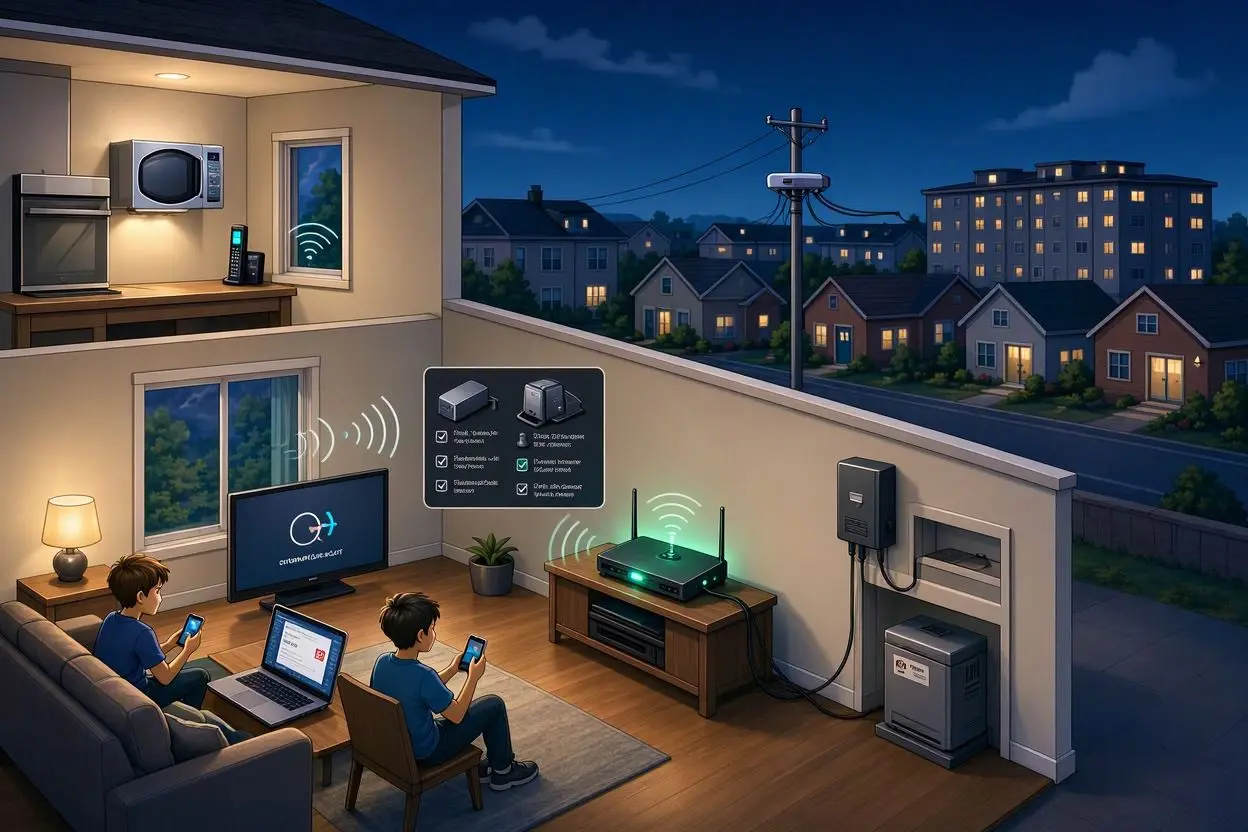
Have you noticed that your home WiFi works perfectly during the day but becomes frustratingly slow at night? You may be able to browse websites in the morning without any problems, only to experience buffering, slow downloads, or delayed video calls after dinner.
If you are wondering why your home WiFi is slow only at night, you are not alone. This is a common problem, and it does not always mean that your router is broken.
In many cases, nighttime slowdowns happen because more people are using the internet at the same time. However, network congestion, WiFi interference, router problems, device activity, and even issues with your internet service provider can also be responsible.
The good news is that most of these problems are relatively easy to identify and fix.
Why Is My Home WiFi Slow Only at Night?
The most common reason your WiFi slows down at night is increased internet traffic.
During the daytime, fewer people in your home may be streaming videos, playing online games, downloading files, attending video meetings, or browsing social media. At night, several devices may start using your connection simultaneously.
For example, one person might be watching Netflix, another could be gaming online, while phones, smart TVs, security cameras, and other connected devices are also using bandwidth.
When multiple devices compete for the same internet connection, your available bandwidth is divided between them. This can make your connection feel much slower.
But heavy household usage is not the only possible explanation.
1. Your Internet Provider May Be Experiencing Peak-Time Congestion
Sometimes your home network is working normally, but your internet service provider is dealing with heavy traffic.
Many people use the internet during the evening. If your ISP has limited capacity in your area, speeds may drop when demand increases.
This is particularly noticeable if your internet connection is consistently fast in the morning but becomes slow at roughly the same time every evening.
How to check for ISP congestion
Run an internet speed test at different times of the day.
For example, test your connection:
- In the morning
- In the afternoon
- Around 7–9 PM
- Late at night
Write down your download speed, upload speed, and ping.
If your speed is consistently good during the day but drops significantly every evening, the problem may be related to network congestion rather than your WiFi router.
2. Too Many Devices Are Using Your WiFi
Your internet connection may be shared by more devices than you realize.
Smart TVs, smartphones, laptops, tablets, gaming consoles, cameras, smart speakers, streaming devices, and other gadgets can all consume bandwidth.
Some devices may also perform background tasks without obvious notifications.
For example, a phone might be uploading photos, a computer could be downloading an operating system update, or a game console may be downloading a large game update.
What you can do
Check the list of connected devices in your router’s administration app or settings.
Look for devices that you no longer use or do not recognize. Disconnect unnecessary devices and see whether your WiFi performance improves.
You can also temporarily turn off high-bandwidth devices and test your connection again.
3. Streaming Can Use a Lot of Bandwidth
Even a single household activity can consume a significant amount of bandwidth.
Streaming services, particularly high-resolution video, can use much more data than ordinary web browsing.
If several people are watching high-quality video at the same time, your internet connection may struggle to keep up.
This can lead to:
- Video buffering
- Lower streaming quality
- Slow webpage loading
- Lag during online games
- Problems with video calls
If your WiFi becomes slow mainly when everyone starts watching TV or using their devices, bandwidth usage is a strong possibility.
4. Your WiFi Channel May Be Crowded
Not every WiFi slowdown is caused by your internet provider.
Your wireless network can also experience interference from nearby routers.
This is especially common in apartments, offices, and densely populated neighborhoods where many WiFi networks are operating close together.
Your router communicates with devices over wireless channels. If many nearby networks are using the same or overlapping channels, wireless performance can suffer.
This may become more noticeable in the evening because more people are at home and using their networks.
How to improve this
If your router supports automatic channel selection, make sure it is enabled.
You can also use a WiFi analyzer app to identify crowded channels and choose a less congested option if your router allows manual configuration.
5. Your Router May Need a Restart
Sometimes the simplest solution is the right one.
Routers can occasionally experience temporary software issues, memory problems, or connection instability after running continuously for long periods.
Restarting your router can refresh the connection and resolve temporary problems.
To restart it:
- Turn off your router.
- Wait about 30 seconds.
- Turn it back on.
- Wait for the internet connection to return.
- Run another speed test.
If restarting the router fixes the problem temporarily but the slowdown returns every night, you should investigate the underlying cause rather than relying on daily restarts.
6. Your Router May Be Too Old
Older routers may struggle with modern internet connections and multiple connected devices.
If your household has many smartphones, computers, smart TVs, gaming consoles, and smart-home devices, an older router may not provide the performance you expect.
Older WiFi standards can also offer lower speeds and less efficient connections than newer technology.
If your router is several years old, check which WiFi standard it supports and whether its hardware is appropriate for your internet plan.
Upgrading the router may help, particularly if your current router cannot handle your household’s number of devices efficiently.
7. Your Device May Be the Problem
Before blaming the entire WiFi network, test multiple devices.
For example, if your laptop is slow but your phone gets normal speeds while connected to the same WiFi network, the problem may be specific to the laptop.
Possible causes include:
- Background downloads
- Outdated network drivers
- Weak WiFi hardware
- Too many running applications
- Malware or unwanted software
- Poor wireless reception
Testing several devices is one of the easiest ways to determine whether the issue affects the whole network or just one device.
8. Your WiFi Signal May Be Weak
Your internet plan could be fast, but your device may not receive a strong enough wireless signal.
Walls, floors, furniture, appliances, and the distance between your router and device can all affect WiFi performance.
If your router is located in a corner of the house, inside a cabinet, or far away from your bedroom or living room, the signal may be weaker than expected.
Try moving your router
For better coverage, place the router:
- In a central location
- Away from large appliances
- Off the floor
- In an open area
- Away from thick walls when possible
If your home is large, a mesh WiFi system or properly positioned WiFi extender may also help.
9. Background Downloads May Be Slowing Everything Down
Nighttime is often when devices perform automatic updates.
Your computer, phone, gaming console, smart TV, or other devices may download large files while you are sleeping or relaxing.
For example, a game update can be several gigabytes in size. If multiple devices are downloading large updates simultaneously, your connection can become noticeably slower.
Check your devices for:
- Operating system updates
- Game downloads
- Cloud backups
- Photo synchronization
- File transfers
- Automatic software updates
Pausing unnecessary downloads can sometimes improve your connection immediately.
How to Fix Slow WiFi at Night
If your WiFi becomes slow every evening, try these steps in order.
1. Run a speed test
Test your internet speed when the connection is fast and again when it becomes slow.
This gives you useful information about how significant the slowdown is.
2. Restart your router
Power-cycle your router and test the connection again.
3. Check connected devices
Remove devices you do not need and investigate anything unfamiliar.
4. Test another device
Try your phone, laptop, and another device on the same WiFi network.
5. Move closer to the router
If your connection improves significantly when you are closer to the router, weak WiFi coverage may be the problem.
6. Reduce heavy internet usage
Pause large downloads and limit simultaneous high-bandwidth activities.
7. Check your router settings
Look for features such as Quality of Service, device management, parental controls, and bandwidth monitoring.
8. Test with an Ethernet cable
If possible, connect a computer directly to the router using an Ethernet cable.
This is an important troubleshooting step.
If the wired connection is fast but WiFi remains slow, the problem is probably related to your wireless network rather than your internet service itself.
How to Tell Whether the Problem Is Your WiFi or ISP
One of the easiest ways to narrow down the problem is to compare wired and wireless performance.
If your Ethernet connection is fast but WiFi is slow, investigate:
- Router placement
- Wireless interference
- WiFi channels
- Device distance
- Router hardware
- Connected devices
If both Ethernet and WiFi become slow at night, the problem could be related to:
- ISP congestion
- Your internet plan
- A service outage
- Heavy network usage
- Problems with the modem or router
Contact your ISP if the slowdown happens consistently and speed tests show that you are receiving much lower speeds than expected.
Should You Upgrade Your Internet Plan?
Not necessarily.
A slower internet connection does not automatically mean you need a faster plan.
Before paying for an upgrade, find out what is actually causing the slowdown.
If your current plan provides enough bandwidth for your household during the day but becomes slow only when several people use it simultaneously, a faster plan may help.
However, if the problem is caused by poor WiFi coverage, router interference, or ISP congestion, upgrading your plan may not solve the problem.
When Should You Contact Your Internet Provider?
You should consider contacting your ISP if:
- Your connection slows down at almost the same time every evening.
- Wired speeds also become slow.
- Restarting your equipment does not help.
- Your speed is consistently far below your advertised plan speed.
- Your neighbors are experiencing similar problems.
- You notice frequent disconnections.
- Your modem or router shows unusual connection errors.
Tell your provider exactly when the slowdown occurs and provide speed-test results from different times of day.
This gives their technical support team more useful information than simply saying that the internet is “slow.”
Final Thoughts
If you are asking why your home WiFi is slow only at night, the most likely explanation is increased network usage or congestion, but there can be several other causes.
Start by testing your internet speed at different times, checking connected devices, restarting your router, and testing your connection with Ethernet if possible.
These simple checks can help you determine whether the problem is caused by your home WiFi, your devices, your router, or your internet provider.
You do not necessarily need to buy a new router or upgrade your internet plan immediately. Find the source of the slowdown first, then choose the solution that actually addresses the problem.
Frequently Asked Questions
Why is my WiFi slow at night but fast in the morning?
Evening internet usage is usually much higher. More people may be streaming, gaming, downloading files, and using multiple connected devices. Your ISP may also experience peak-time congestion.
Why does my WiFi slow down at the same time every night?
A slowdown that happens at roughly the same time each evening may indicate peak network congestion, scheduled downloads, automatic updates, or increased household internet usage.
Can too many devices make WiFi slow?
Yes. Multiple devices sharing the same connection can consume available bandwidth and reduce the speed available to each device.
Does restarting the router make WiFi faster?
Restarting your router can fix temporary connection problems and improve performance in some situations. However, if the slowdown returns every night, restarting the router is unlikely to be a permanent solution.
Should I buy a new router if my WiFi is slow at night?
Not immediately. First determine whether the problem is caused by your router, WiFi interference, connected devices, weak coverage, or your ISP. A new router will not fix every type of internet slowdown.
How can I test whether my ISP is slowing down my internet at night?
Run speed tests during the morning and evening using the same device and connection method. If your speeds consistently drop at night, especially over a wired connection, contact your ISP and provide the test results.
Does WiFi interference get worse at night?
It can. More nearby households may use their WiFi networks during the evening, increasing wireless congestion and interference.
Is 5 GHz WiFi better for avoiding slow speeds?
5 GHz WiFi can provide faster speeds and is often less crowded than 2.4 GHz, but it generally has a shorter range. The best option depends on your router, home layout, and distance from the router.
Why is my internet slow at night even though my WiFi signal is strong?
A strong WiFi signal does not guarantee fast internet. Your ISP connection, network congestion, bandwidth usage, router performance, or background downloads could still be causing the slowdown.
What is the quickest way to fix slow WiFi at night?
Start by restarting your router, checking connected devices, stopping large downloads, testing another device, and running a speed test. If the problem affects all devices and occurs every night, contact your internet provider.