
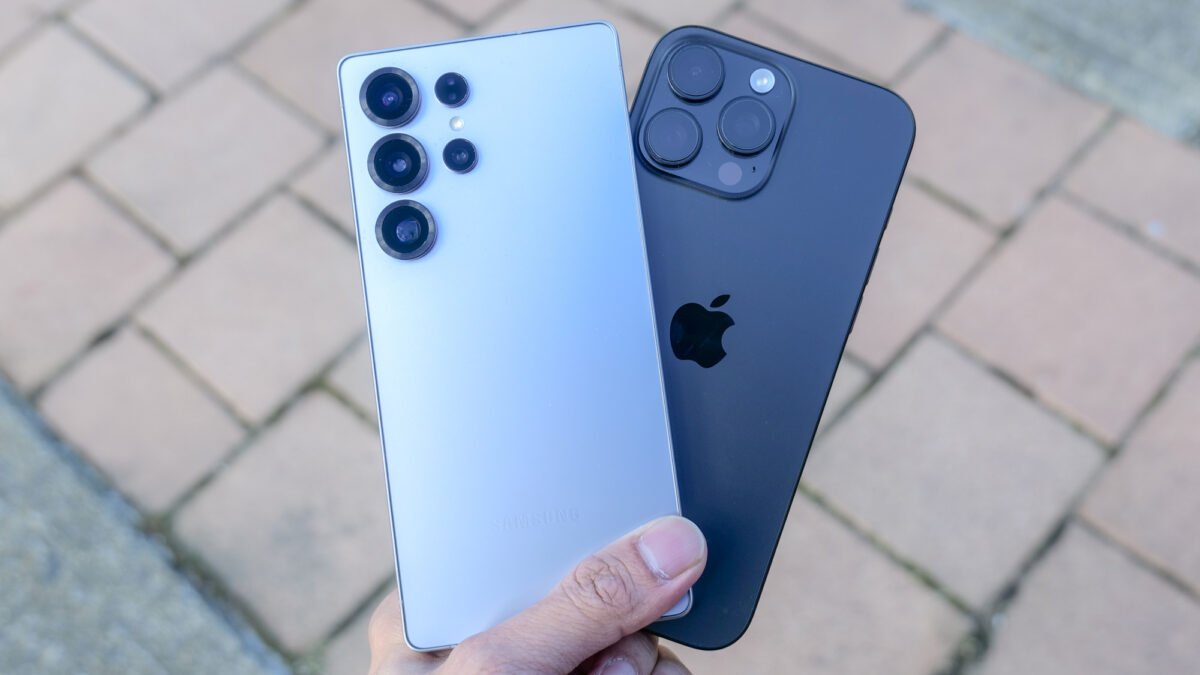
Two assistants dominate break room debates, each backed by a giant company, each free at the starting level, and each improving so quickly that last season comparisons already feel dated. Choosing between them rarely turns on raw cleverness, since both draft, summarise, translate, and reason through everyday problems capably. Habits matter more: where your files live, how much fresh information you need, which voice you prefer reading, and how your private conversations get stored and reused afterwards.
Plenty of households and offices end up using both, switching by task rather than loyalty. That split usage is sensible. Each assistant grew inside a different company with a different map of products, and those roots shape everything from the sign in page to the way an answer cites a source. Understanding the roots explains the daily feel of each tool far better than any contest score, and it helps a reader predict which one will annoy them less over months of steady use.
Two Assistants Built on Rival Ecosystems
ChatGPT comes from OpenAI, a company built around its language models, and it presents itself mainly as a destination: a chat window, an app, and a workspace that stands apart from the rest of your software. Gemini comes from Google, a company whose search page, mail service, documents, maps, and phones already hold much of a typical user’s digital life, and Gemini is woven through those products rather than kept in a separate room. Neither approach is automatically better. A standalone tool stays tidy and focused, while a woven in tool meets you where your material already sits.
That difference shows up in small moments. With Gemini, asking about a message can connect naturally to the mailbox it lives in, and drafting help can appear inside the document you are already editing. With ChatGPT, the experience centres on the conversation itself, with projects and saved threads forming a self contained desk. People who like clear boundaries between tools often prefer the desk. People who resent copying text between windows often prefer the weave, even when the weave occasionally suggests help they did not request.
Underneath the packaging, both systems rest on large language models trained to predict text from patterns, which is why both write fluently and both sometimes state wrong things with total confidence. In practice, prompting habits shape results from either assistant far more than brand loyalty does, and the collected advice on getting better chatgpt answers through clearer prompts transfers across both tools almost unchanged. Clear context, honest constraints, and a request for questions before answers lift the output of whichever window happens to be open, so skill travels with the user rather than belonging to one company.
Live Searching, Citations, and Freshness of Answers
Language models learn from material gathered up to a training point, so without a live connection they cannot know yesterday’s score, this morning’s weather disruption, or a price change from last week. Both assistants now reach out to the web when a question needs fresh material, yet the feel of that reach differs. Gemini sits close to the dominant search engine built by its own company, so its answers often lean heavily on search style sourcing, with links presented as part of the reply rather than decoration beneath it.
Background reading in the Wikipedia profile of Google Gemini and its model family shows how the system grew out of a broader family of multimodal models rather than a single chat product. That heritage helps explain why its browsing answers tend to blend search results, knowledge panels, and generated summary into one surface. ChatGPT browsing, by contrast, often reads like a researcher returning with notes: it fetches pages, then composes an answer and lists sources it consulted. Either style can serve well, and either can misread a weak source, so the habit of opening at least one cited page remains wise for anything that matters.
Freshness also depends on the question type. Opening hours, travel disruption, and product availability change quickly and demand a live lookup every time. Historical explanation, grammar help, and brainstorming barely age at all, and a browsing pass adds little there. Seasoned users learn to notice when an assistant answered from memory while sounding current, a mismatch worth challenging with a direct request for sources. Both tools respond reasonably when pressed, though neither can rescue a topic where the underlying web coverage itself is thin or confused.
Drafting Voice: Structured Thoroughness Versus Conversational Brevity
Ask both assistants for the same email, letter, or report and the personalities separate quickly. ChatGPT tends to build a visible skeleton: a subject line, an opening, headed parts where the task is long, and a closing that restates the ask. Many readers find that thoroughness reassuring for work documents, while others trim half of it away before sending. Its tone leans formal by default and loosens readily when asked for warmth, humour, or plain speech.
Gemini often replies in a shorter, lighter register, closer to a helpful colleague talking than a consultant presenting. For quick messages and casual summaries that brevity saves editing time. For tangled material, the same lightness can skip a step a careful reader needed, so longer prompts help it slow down. Neither voice is fixed. Both accept direct instructions about length, tone, and audience, and both remember those instructions within a conversation, so a firm opening request usually beats repeated corrections later.
Editing behaviour matters as much as first drafts. Both tools revise willingly, yet they differ in how much surrounding text they preserve when asked to fix one paragraph. Results vary by task, so a practical test beats any general claim: run your own typical document through both, ask for the same revision, and compare how much unwanted rewriting arrived with the fix you wanted. Keep the tool whose editing habits match your patience, because drafting help you constantly fight stops being help.
Files, Images, and Voice Inside Each Workspace
Both assistants have grown beyond plain typed chat. Each accepts uploaded documents and images, answers questions about their contents, and can describe or comment on photographs. Each also offers spoken conversation, letting users talk and listen instead of typing, which suits walking, cooking, or accessibility needs. These shared abilities mean the real comparison lies in limits, polish, and how gracefully each tool handles a messy file rather than a clean one.
The expansion of one rival is traced in the Wikipedia profile of ChatGPT and its added abilities, which records how a text chatbot gained voice, image handling, and browsing over successive releases. Reading that history side by side with Gemini’s path underlines how the two converge: features appear on one side, then echo on the other within a season or two. Picking a tool for a single exclusive feature is therefore fragile, since the exclusive part rarely stays exclusive for long.
Where they still separate is the surrounding shelf. Gemini benefits when the file already lives in Google storage, the photo sits in Google albums, or the meeting notes sit in Google documents, since reaching that material feels native. ChatGPT leans on uploads and integrations, which keeps its desk self contained but adds a fetching step. Image creation and editing tools exist on both sides with shifting quality, so artists should test a real project on each rather than trusting showcase examples chosen by the makers.
Free Access, Paid Tiers, and Usage Ceilings
Both assistants let anyone start without paying, and both reserve their strongest models, higher usage ceilings, and earliest new features for subscribers. The unpaid experience is genuinely useful for everyday drafting, questions, and summaries, though busy periods can bring slower replies or a temporary cap that pushes keen users toward shorter sessions. Paid plans smooth those edges and add priority when demand spikes, which matters most to people who lean on an assistant throughout the working day.
Choosing whether to pay depends on friction, not fascination. If the free ceiling interrupts you weekly, if you regularly need the sharper model for coding, analysis, or long documents, or if voice and image work sits at the centre of your routine, a subscription earns its place. If your use is a handful of questions and the odd rewritten paragraph, the free tier of either tool covers it comfortably. Paying for both rarely makes sense outside professional testing, since the overlap between them is wide and growing wider.
Workplace plans form a separate layer, adding administrative controls, stronger privacy commitments, and shared workspaces for teams. Individuals choosing a personal subscription should not assume the same protections apply, because consumer tiers and business tiers are governed differently on both sides. Read which tier a claim belongs to before relying on it, a caution that links pricing pages to the privacy question, where the two assistants again look similar at a glance and separate in the fine print.
Privacy Controls and Training Choices Compared
Both companies state that consumer conversations may be stored, reviewed under certain conditions, and in some configurations used to improve their models, and both provide controls that let users limit that use. ChatGPT offers switches for training use and temporary chats that are not saved to history. Gemini ties much of its activity storage to the wider Google account activity system, which centralises control but asks users to understand settings that also affect search, video, and other services under the same account.
That structural difference shapes the privacy experience. A person who wants one assistant’s memory handled separately may find the standalone arrangement easier to reason about. A person already comfortable managing a Google account may find one familiar dashboard simpler than learning a new one. Either way, the defaults deserve a deliberate visit rather than acceptance, because the setting chosen in the first week quietly governs months of conversations, uploads, and spoken sessions that follow.
The honest closing judgement is unglamorous: for most readers, either assistant will serve well, and the deciding factors are habits and surroundings rather than intelligence. Pick the one that sits closest to your files, speaks in the voice you edit least, and gives you privacy controls you actually understand. Then invest in prompting skill, which pays off on both sides of the rivalry. Switching later costs little, since the craft of asking clearly moves with you, and both companies know a dissatisfied user is only one open tab away from leaving.

2 comments