
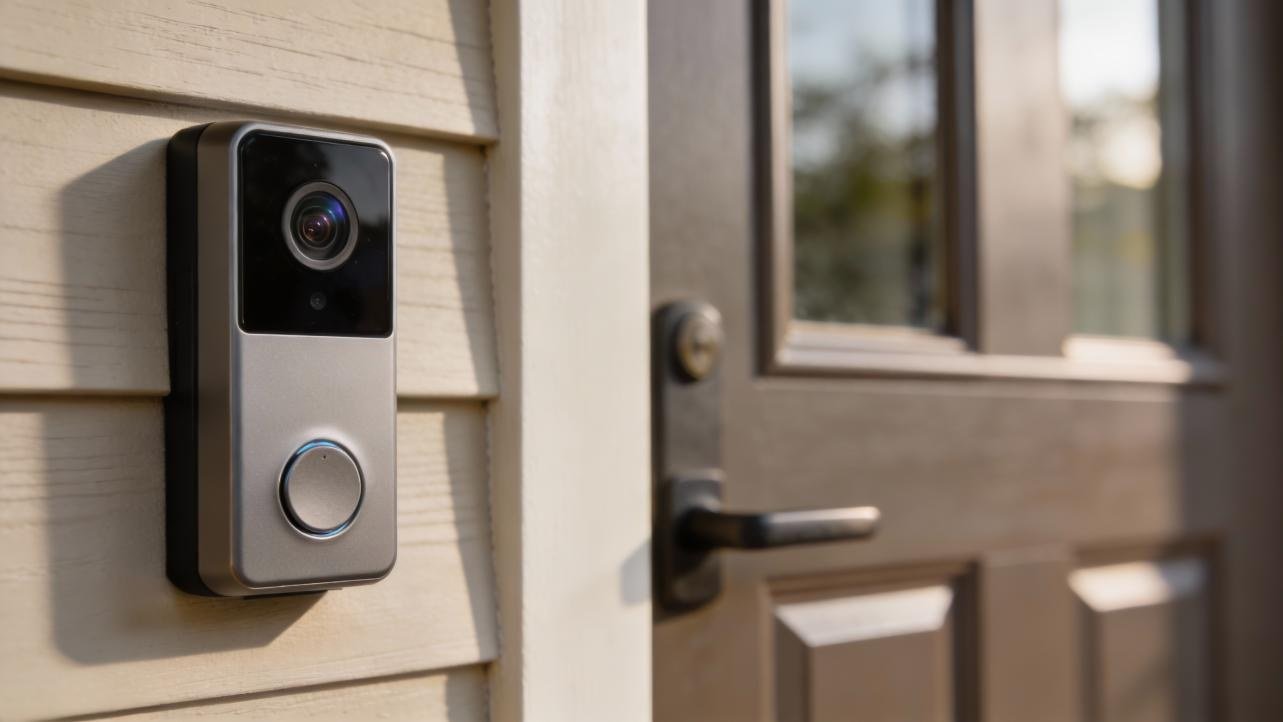
A doorbell camera that films the front step is only half a purchase when the recordings sit behind a monthly paywall, and the buyers who end up happiest are the ones who check where the video lives before they drill a single hole. A doorbell that shows a live picture yet saves nothing has missed the point of owning a camera at the front door, because the moments that matter are the ones nobody watches live, the parcel left while the household is out, the visitor who came and went before anyone reached the phone, the stranger who lingered after dark. Those moments only exist later if the video was stored somewhere, and the place where it is stored decides whether the owner pays every month, whether the footage stays private, and whether a thief can take the evidence away with the device itself. Checking storage before mounting takes only a few minutes of reading, yet it separates a purchase that keeps giving from one that quietly demands a subscription for years. The blunders set out below are the ones buyers keep repeating, and every one of them is easy to avoid once it has been named plainly.
Buying a Cloud-Locked Doorbell by Accident
Many doorbell brands store recordings in the cloud only with a paid plan, and without one they show live video and send alerts but save nothing, which leaves an owner with a camera that can prove nothing after the event has passed. The trap is quiet, because the box promises video history and smart alerts in large print while the storage terms sit in small print, and a buyer who assumes that recording is included discovers the gap only after the first parcel goes missing. Live view without recordings defeats much of the purpose of a front-door camera, since nobody can watch a door all day, and the alert that arrives on a phone is only useful if the clip behind it can be replayed. Local storage is the way around this trap, because it keeps footage on a hub, a base station, or a memory card inside the home, with no footage leaving the property and no monthly charge for the privilege of keeping what the camera saw. That arrangement also protects privacy, because the household’s daily movements stay on equipment inside the home rather than on remote company computers, and the household controls who can view the recordings and when they are erased. Readers weighing the work involved in fitting a doorbell should look at installing a video doorbell before deciding between doing the job themselves and asking a professional to handle it, because the mounting and wiring choices affect storage as well as convenience.
Skipping the Charge Before Mounting
Battery models need a full charge before mounting, and setup fails when this step is skipped, because a doorbell that arrives with a partly charged battery can die midway through pairing, leaving the app stuck and the owner convinced that the device is faulty. The charge takes hours, and everyone is tempted to hurry it, yet the hours spent waiting are far shorter than the hours spent troubleshooting a device that lost power during its first connection to the home network. A fully charged battery also gives a true picture of how long the charge will last in daily use, while a partly charged one leaves the owner guessing whether the battery is weak or simply never filled. Charging before mounting also lets the owner test the live view, the motion alerts, and the recording from a table indoors, where a problem is easy to fix, rather than discovering it from a ladder with a drill in hand. The doorbell should be charged with the cable supplied, left alone until the indicator shows a full charge, and only then carried to the door, and the patience pays off in a setup that completes on the first attempt.
Mounting at the Wrong Height or Angle
Mounting around chest height with a wedge for angled trim captures faces and parcels, while a doorbell fixed too high films the tops of heads and a doorbell fixed too low films shoes, and neither view helps identify a visitor or prove that a parcel was left. Height matters because a camera looks outward and slightly downward, and the angle decides whether a face is lit and framed or cut off at the forehead, while a parcel left on the step needs the lower part of the frame to be in view as well. A wedge mount, supplied with most kits, tilts the camera toward the path where visitors walk, which matters on trim that angles away from the door or on a wall that sits back from the step, and the wedge should be tried before holes are drilled, with the live view checked on a phone from the places visitors actually stand. Testing the live view before drilling anything is the single habit that prevents a badly placed doorbell, because a doorbell held in place by hand for a minute can be moved in seconds, while a doorbell screwed into brick can only be moved by drilling again.
Leaving Motion Zones Wide Open
Motion zones that include the street cause constant false alerts and drain batteries faster, because every passing car, pedestrian, and swaying branch triggers a recording and a notification, and the owner soon learns to ignore the alerts entirely, which defeats the purpose of having them. A zone that covers only the path and the step, with the street excluded, records the events that matter and stays quiet the rest of the time, and the battery lasts far longer because the camera wakes only when someone actually approaches the door. Setting the zone takes a few minutes in the app, drawing a boundary around the property and leaving the public pavement outside it, and the boundary should be tested by walking the path and watching whether the alert arrives, then walking along the street and watching whether it stays silent. Recording quality should be balanced against storage at the same time, because the highest quality fills a card or a hub far faster than a sensible middle setting, and the difference on a small phone screen is slight.
Forgetting That Local Storage Needs Looking After
With recordings kept at home, the owner must look at the app often, because unlike cloud services, nobody sends a message when the drive fills, and a hub or card that has filled silently may have started overwriting the oldest footage, which is often the footage the owner wanted to keep. Hub-based storage survives theft of the doorbell itself, because the recordings sit on a box inside the home while the device outside can be taken without taking the evidence, while card-in-doorbell storage is lost with the device, and that difference should guide the choice for a household in a high-risk area. A hub typically holds months of event clips, and it also extends the doorbell’s wireless range, because it sits centrally in the home and connected to the router, while a card in the doorbell is simpler yet vulnerable, and network storage suits advanced users who record to their own server through open protocols, which is the most private option of all. Whichever form is chosen, any encryption options offered should be switched on, and the storage level should be checked in the app every few weeks, with old clips that matter saved elsewhere before they are overwritten.
Memory cards wear out under constant video writes, and a standard card can fail far sooner than its owner expects, while high-endurance memory cards rated for surveillance outlast standard cards under the same load, so the card deserves the same care as the doorbell itself. Budgeting for a replacement card every couple of years is part of owning a subscription-free doorbell, and the replacement should be bought before the old card fails, not after, because a failed card records nothing and gives no warning until the owner checks. Cleaning the lens every few months keeps night vision clear, because dust and rain spots blur the very footage that matters after dark, and a soft cloth does the job without scratching the lens. Recharging batteries, cleaning the lens, and checking storage form a small routine that takes minutes each month, and the routine is the price of freedom from a monthly charge, a fair exchange for footage that stays in the household and costs nothing to keep. The background to how these devices record and store video is explained in the video doorbell entry on Wikipedia, and the hub and network options are set out in the network video recorder entry on Wikipedia.
A Setup Order That Avoids Every One of These
The sound order starts before any hole is drilled, with the storage terms read, the model chosen for its local storage, and the battery charged fully, because those three decisions prevent the three costliest blunders in one stroke. Next comes the account, created using a distinctive password that is used nowhere else, with two-factor authentication switched on, because this login protects footage showing the front entrance and should never share a password with another service. The hub or base station should be added first, placed centrally in the home and connected to the router, and the doorbell should then be paired through the app’s guided setup, with the live view tested from a table indoors before the device is carried to the door. Mounting follows, at about chest height, with a wedge tried for angled trim, and the live view checked again from the path before any screw is tightened, so that faces and parcels both sit inside the frame. Motion zones are drawn next, covering only the property and excluding the street, with recording quality set to a sensible middle level, and notifications tested on the phone by walking the path and watching the alert arrive.
Privacy settings close the setup, with activity zones confirmed, audio recording left off where consent rules make it risky, shared access limited to those who truly need it, and any local-only mode switched on, and a calendar reminder set for battery recharging, lens cleaning, and a storage check. The whole job takes well under an hour once the battery is charged, and the result is a doorbell that records, detects people, and sends phone alerts with no ongoing charge, with footage that stays in the home and a battery that lasts because the camera wakes only for real visitors. The cloud brands want buyers to believe that subscriptions are inevitable, yet a doorbell chosen for local storage, mounted at the right height, aimed at the path, and looked after with a small monthly routine proves otherwise, and the front door ends up guarded by a device that respects both the household’s privacy and its wallet. Starting with storage, charging fully, testing before drilling, zoning tightly, and checking the drive regularly turns a gadget that could have become a monthly bill into a quiet, reliable witness at the door.



One comment