
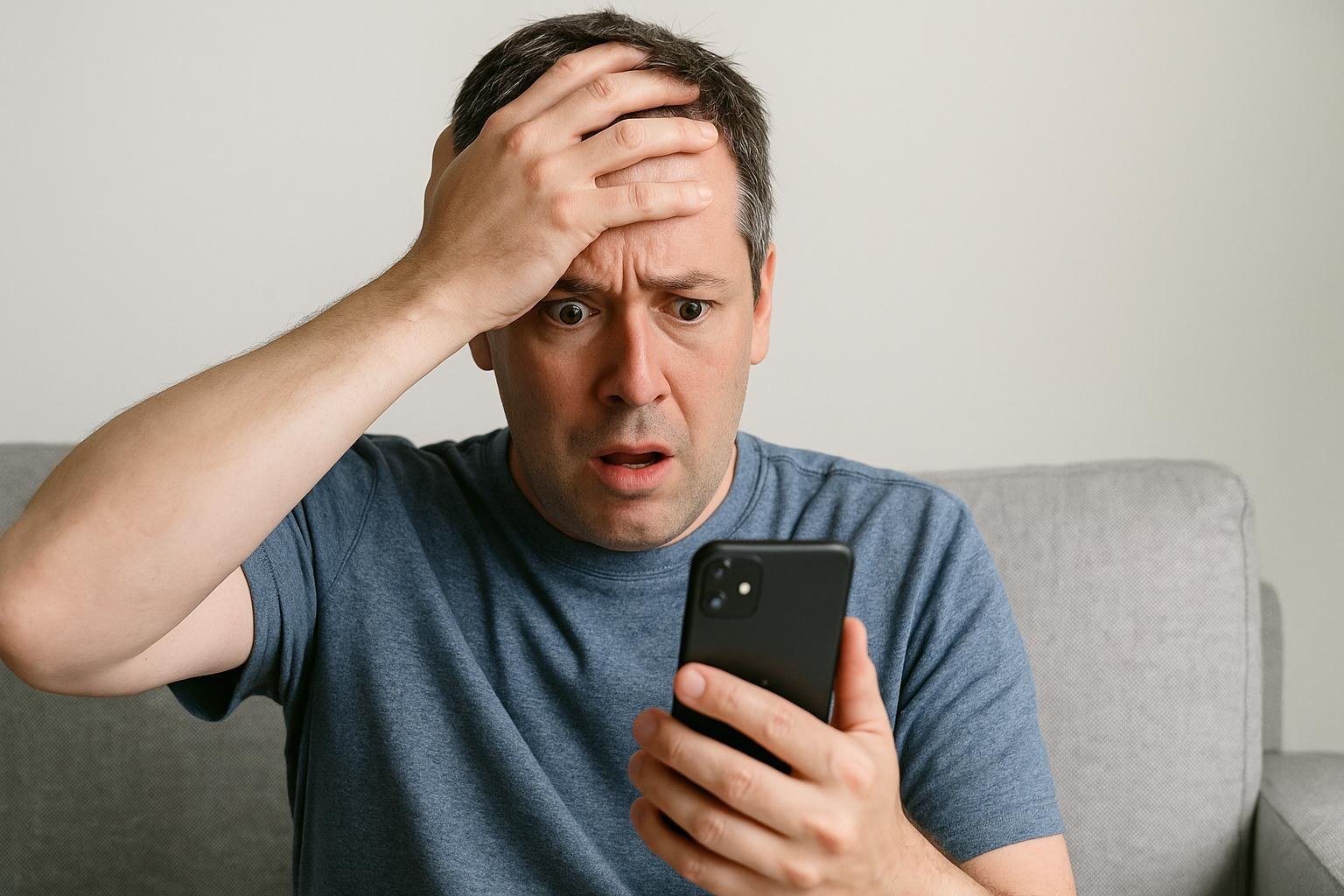
Catching a fraudulent message feels like the hard part, yet the minute after the catch is where most of the harm happens, because curiosity, silence and misplaced helpfulness all give the sender exactly what was wanted. Spotting the fraud is only half the task. What follows in the next minute decides whether the reader stays safe, and most people get that minute wrong: they tap the link just to look, they forward the message around the office, or they assume that deleting it closes the matter for good. The answer to the practical question sits at the top, before any explanation begins: touch nothing inside the message, verify through a channel the message did not supply, report it, and only then delete it.
The four refusals come first, and they are absolute. No tapping the link, no replying, no downloading the attachment, and no calling any number printed inside the message. Verification replaces all four: open the official application for the service, or type its address by hand into the browser, and look for the same alert there. A genuine company will never punish a reader for verifying, while only a fraudster demands an immediate tap. Readers who want the spotting skills that come before this minute can read how to tell if an email is a phishing scam before you click for the signs that give the fraud away in the first place.
What To Do In The Opening Minute
The opening minute has a fixed order, and the order is the lesson. First, leave every element of the message untouched, treating it as something hazardous rather than something interesting. Second, verify independently, which means opening the official app or typing the address by hand, never following the route the message offers. Third, report it through the built-in button and the channels below, so the filters that protect strangers learn from this copy. Fourth, delete it only after reporting, and warn others safely, describing the fraud in fresh words rather than passing the live message along.
Why does the order matter so much? Because each step protects the next one. Verification before reporting means the reader knows whether a real account problem exists, and reporting before deleting means the evidence survives long enough to help others. A reader who deletes first and asks questions later has helped only one person, briefly, while a reader who follows the order has helped a whole network of strangers without spending more than a minute. The minute is short, the steps are few, and the habit, once learned, works on every screen the reader owns.
Why Curiosity Clicks Cause The Most Harm
Curiosity is the most dangerous reflex in the whole encounter, and it disguises itself as caution. A reader tells herself she will only hover over the link, then only peek at it through a private window, then only glance at the page, and each small step lowers the guard a little further. Modern fraudulent pages can exploit a browser without any download at all, and merely opening a harmful link can trigger malicious software or confirm to the sender that the address is active and watched. That confirmation alone raises the address resale value among fraudsters, which invites a heavier wave of follow-up attempts.
A tap made from curiosity can still cost the reader even when nothing was typed, because opening the link may install malicious software, enrol the address in tracking that powers targeted follow-up attacks, and mark the address as live. Treat a tap as an incident rather than a non-event: run a complete malware scan, reset the password for the copied service from a separate handset, switch on two-factor protection where it was missing, and keep an eye on the account for odd activity across the following weeks. The scan and the password change are not overreactions; they are the proportionate answer to a door that was briefly opened.
Why Silence After A Click Is Not Safety
Many readers who tap a suspicious link reassure themselves with a comforting fiction: nothing was typed, so nothing was lost. The fiction survives because the harm is invisible at first. Tracking planted by the visit can shape the next attack to fit the reader interests, the address can be sold onward as confirmed live, and malicious software can sit quietly gathering credentials long after the browser tab is closed. Silence after a tap does not mean safety; it often means the reader has not looked in the right place yet.
The remedy is a short, honest routine. Run the security scan the same day, reset the password of the impersonated service from a separate handset, and add two-factor protection to that account at once, since that sign-in layer stands up even to flawless copies. A password manager that fills credentials only on the genuine domain will simply decline a lookalike page, which warns the reader before anything is typed, so switching to one is a lasting fix rather than a one-off repair. Keep an eye on the account for weeks afterwards, because a quiet compromise can surface slowly, and early sight of it limits the damage.
Why Polished Logos Prove Nothing
Polished presentation proves nothing, because display names, logos and footers are trivial to copy, and fraudsters have perfected visual mimicry down to the pixel. The display name may show a familiar bank, the footer may carry genuine addresses, and the whole message may look more professional than the real thing. What counts is the real sending address plus where each link actually leads, checked by hovering on a desktop or pressing and holding on a phone without tapping. Tricks include a zero standing in for the letter o, letters swapped around, and long subdomains where the genuine domain sits at the far right, so a careful reader studies the tail of the address rather than its beginning.
Even careful inspection can fail, because compromised legitimate accounts send messages that pass every visual test, which is why independent verification matters more than forensic reading. The password-manager test described above is the practical answer: a manager that fills credentials only on the genuine domain will refuse a lookalike page and warn the reader before anything is typed. Readers who want the wider background can read how phishing works and why it succeeds for the history of the trick and the psychology behind it. No logo, however crisp, is evidence, and no footer, however complete, is a credential.
Why Reporting Helps Everyone Else
Deleting a fraudulent message feels productive, yet it helps only the reader. Reporting helps everyone, because each report teaches the filters that block the next thousand copies. The built-in report button in Gmail and Outlook feeds filters that shield millions of accounts, so pressing it is the single highest-value tap in the whole encounter. Beyond the button, the Anti-Phishing Working Group can receive forwarded messages, and its address is reportphishing at apwg dot org, while the impersonated organisation abuse address, published by most banks and technology companies, deserves a copy too.
Suspicious texts go to the short code seven seven two six, which spells spam on a telephone keypad, and serious scams also belong in a filing with the Federal Trade Commission. Each channel serves a different audience: the mail provider protects its own users, the working group feeds industry filters, the impersonated company can warn its customers, and the regulator builds the case file that may one day close the operation. A reader who reports has turned a minute of annoyance into protection for strangers who will never know the favour was done.
Why Passing It On Spreads The Risk
Well-meaning people forward the fraudulent message to warn relatives, accidentally spreading live harmful links to people who might tap them. The warning instinct is good, and the method is the error. A warning should describe the fraud in fresh words, or pass along a screenshot with the links stripped away, so the family learns the shape of the trick without receiving its payload. At work, the message belongs only to the security team through the designated channel, never to colleagues in a group chat.
A security team prefers a single clean report to learning that the fraud bounced around the office collecting victims, and a family chat that receives a live link may produce a victim before anyone reads the warning text above it. The rule is simple to remember: describe, never forward. Identical ruses turn up by text message, voice call, social-media message and quick-response code, not only by mail, with toll-fee texts, fake parcel deliveries and locked-account calls all following one playbook of urgency plus a link or a number to call back, and quick-response stickers in public places can cover genuine codes, so the rule stays the same everywhere: never use the contact route the message supplies, but reach the official source independently.
What Readers Still Want To Know
I tapped a harmful link yet typed nothing. Am I safe? Not necessarily. A tap can trigger malicious software or confirm the address as active, so run a complete malware scan, reset the impersonated account password from another device, switch on two-factor protection, and keep an eye on the account for odd activity across the following weeks.
Where should I report fraudulent messages? Use the mail provider report button, forward to reportphishing at apwg dot org, notify the impersonated company through its abuse address, and file with the Federal Trade Commission. For texts, forward to the short code seven seven two six. Every report sharpens the filters that guard everyone.
Can a password manager guard against phishing? Yes, and rather well. A good password manager fills credentials only on the genuine domain and simply declines a lookalike page, alerting the reader that something is wrong before anything is typed. That refusal is often the first clear signal that a polished message is a fake.
Is scanning a quick-response code safe? Not always. Attackers paste harmful stickers over genuine codes in public places, so preview the address before opening, treat codes in surprising locations with suspicion, and never type login details on a page reached through a public code.
What if a message almost worked on me? Treat the near-miss as attention rather than embarrassment, because it reveals a gap in defences. Tell family or the information-technology team what nearly succeeded, switch on two-factor protection for the targeted account, and let the password manager refuse fake domains in future. Near-misses are free lessons, and ignoring them makes the eventual strike costly. Readers who want official guidance can read how to avoid social engineering and phishing attacks for the government view on the same habits. Spotting the fraud was an excellent start; the minute after the catch is where the reader finishes the job.



4 comments