
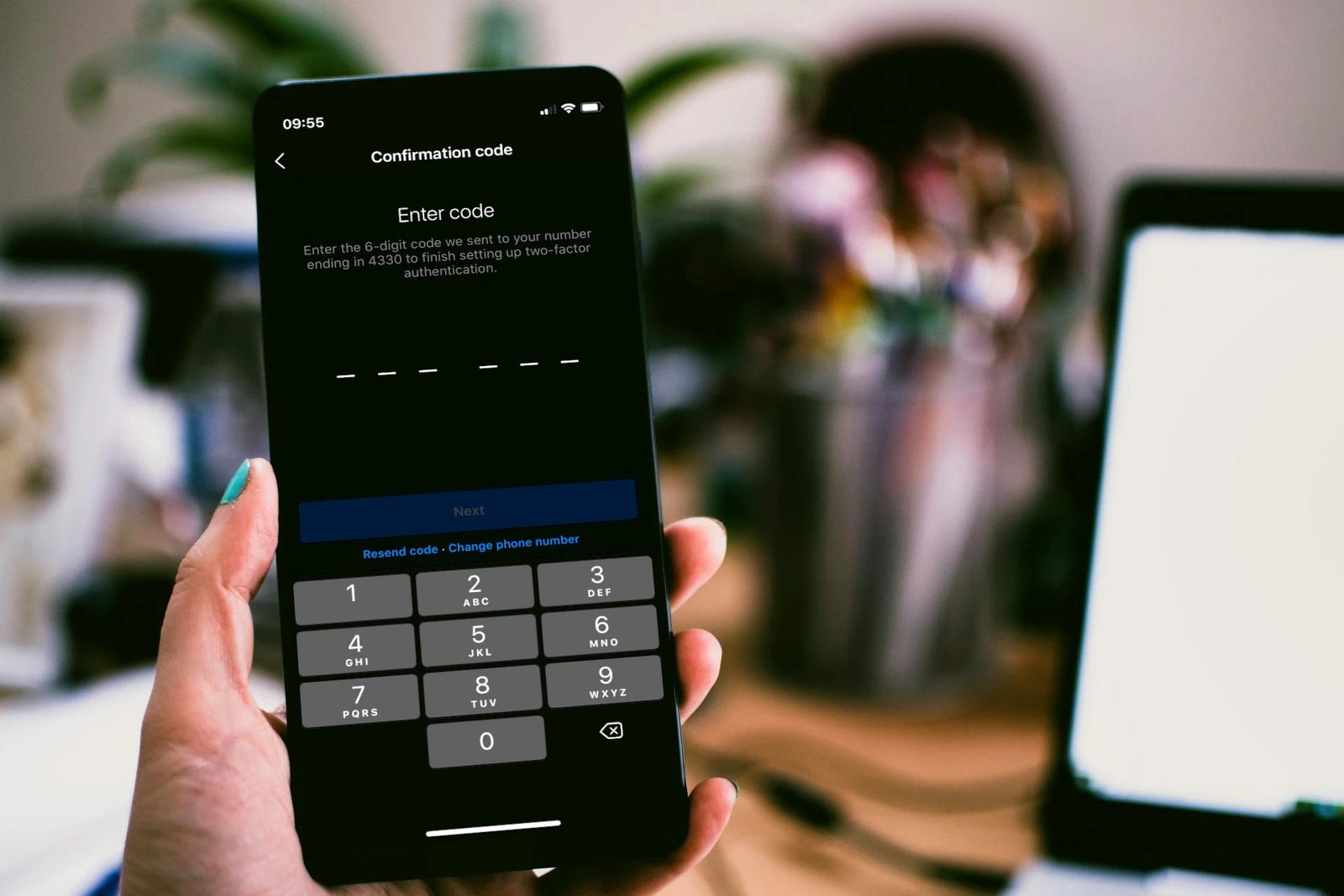
A second lock on the door sounds airtight until the spare key sits in the same pocket as the first — and that is exactly how most people arrange their login defences. Experts are united that a second check at sign-in stops the overwhelming share of machine-driven takeover attempts even after a password has leaked, and figures published by Microsoft put the share of automated attacks halted by multi-factor sign-in above ninety-nine in every hundred. Yet turning that second check on is only the beginning, because a careless setup can quietly open fresh holes, strand its owner outside an account for good, or breed a confidence the setup has not earned. What follows works through the weak spots one by one, in an order that builds understanding rather than repeating the usual checklist.
The order matters, because the strongest single move is rarely the one people make first. Readers who want the plain explainer alongside this deeper look can read what two-factor authentication is and which type is safest for the ranking from weakest to strongest, from texted codes up to hardware keys. What follows here is the harder part: the seven places where a well-meaning setup quietly fails, and the remedy for each.
Texted codes and the swap trick that defeats them
The setup most people choose first is also the feeblest, and the gap is not small. A six-digit code sent by text travels across the mobile network to reach its owner, which means anyone able to steer that number elsewhere can collect it instead. The usual trick is a SIM swap: the attacker persuades a carrier to move the victim number onto a SIM the attacker controls, and every code the service sends then lands in the wrong hands. The trick strikes thousands of times annually across the United States, often aimed at people with valuable accounts, and texted codes can also be snatched on insecure networks, so the flaw sits in the design rather than in anyone bad luck.
Authenticator apps answer the swap directly, because they create codes on the handset itself and those codes never cross a network for an attacker to divert. Passkeys and hardware security keys reach further still, since they resist phishing by design and never expose a code that can be copied at all. Where a service offers only texted codes, accept them anyway, because they still beat no second factor, yet choose app-based or hardware factors wherever they are offered. Hold the ranking in mind at every login: texted codes at the bottom, authenticator apps in the middle, and phishing-resistant keys at the top.
Recovery codes and the drawer where they belong
Activating that extra check hands over a set of single-use rescue codes, and almost everyone mishandles them. The usual pattern is a quick screenshot, a save into the photo library, or skipping the step entirely, followed months later by a lost phone. Without those codes, getting back in means a gruelling identity check that can drag on for days or end in failure, turning a misplaced handset into a sealed vault. Think of backup codes as spare house keys: no help at all when they cannot be found at the moment of lockout, priceless when they can.
The sound move is to print the codes or copy them by hand and keep the sheet with important papers, or to place them in the secure notes of a password manager, where they stay encrypted and reachable from every device. What matters is the separation: the codes must live apart from the phone itself, because a copy kept inside the notes program of that same handset vanishes along with the handset. A printed sheet in a drawer at home passes the test, and an encrypted note reachable from a second device passes it too. A snapshot in the photo library fails it, and skipping the codes entirely fails it worst of all.
One handset holding every factor at once
When a single handset carries the passwords, the authenticator app and the mail account, one loss takes everything at once. The trap stays invisible while the phone works, because one device feels convenient right up until the day it is stolen, dropped or simply left behind in a taxi. Some people pile the risk higher still by keeping backup codes inside the notes program of that same phone, which stacks every factor into one pocket, exactly the arrangement the opening image warned against.
Build spare capacity on purpose rather than hoping for luck. Keep an older phone on wireless with the authenticator app mirrored onto it, keep backup codes physically apart from the handset, and where hardware keys are used, register a pair and leave one at home. A synced authenticator service handles this gracefully, because codes live on after a handset disappears and show up again on its replacement. Try the recovery route once, while nothing is wrong: imagine the phone gone and confirm that entry to the important accounts is genuinely possible, because a recovery plan that has never been tried is a guess rather than a plan.
Live relay cons and the tap-happy approval habit
Criminals adjusted to second factors long ago, and their classic adaptation is the imitation login page. A reader types a password and an authenticator code into a page that looks genuine, and the criminal passes both straight to the genuine site in moments, signing in before the reader has time to wonder why the page felt slightly off. Ordinary codes cannot stop this relay, because a code stays valid wherever it is typed, and the imitation only needs it once. Readers who want the background can read how two-factor authentication is meant to work to see why a code alone was never proof of which site received it.
Approval fatigue is the quieter cousin of the same con. A stream of approval requests lands on the handset, and a reader who taps yes on requests never started hands the criminal the session on a plate, a habit that has sat behind several major corporate breaches. The defences are plain: type codes only on addresses reached by typing them by hand, never approve a push that the reader did not start, and think about moving to passkeys or hardware keys, which check the site cryptographically and refuse an imitation outright. A hardware key will not answer a replica, because the replica cannot present the genuine site identity the key expects.
The inbox first: ordering accounts by cascade risk
Many people guard their bank while leaving the inbox open, and that ordering is upside down. The mail account works as a master key, since nearly every forgotten-password flow leads there, and a criminal inside the inbox can reset money, cloud storage and social accounts one after another, without ever touching a bank login directly. A second factor on the bank alone is a locked safe with its combination taped to the mailbox beside it.
Switch the second factor on for mail first, then cloud storage, then money accounts, then everything else, and the cascade is cut at its root. The same ordering fits recovery details: confirm the recovery mail address and the recovery phone number are current, because people change numbers and forget, and an out-of-date recovery route is a locked door with no key. A reader who guards the inbox first has guarded every account that trusts the inbox, which is nearly all of them, and the rest of the list becomes a tidy-up rather than a rescue.
Legacy logins, spare passwords and the yearly audit
Ageing mail clients, smart televisions and some apps cannot cope with second-factor prompts, and they need single-purpose passwords created inside the account settings. The usual errors are leaving these passwords lying in notes apps for years, or switching the second factor off entirely because a single ageing device objected. Create a spare password only where it is truly needed, label it with the device it serves, and withdraw it the day that device retires, so no forgotten credential lingers after its purpose has ended.
The same discipline covers trusted devices and live sessions. Go through the roster of recognised gadgets plus active logins in the account every few months, withdrawing anything unfamiliar, because a lingering session on a laptop that was sold can bypass a second factor entirely. Once a year, audit the whole setup in one sitting: confirm backup codes exist and can be reached, verify recovery details are current, check that the authenticator mirrors onto a second device, and confirm the trusted-device lists are clean. The review takes a short while and prevents the nightmare of being shut out for good from accounts holding years of photographs, documents and money.
From typed codes toward keys that cannot be fished
The industry is travelling beyond codes entirely, and the destination is worth understanding. Passkeys, built on the FIDO two standard, swap passwords plus a second factor for a single cryptographic exchange tied to the biometrics of the device, so there is nothing to type, nothing to intercept and nothing to phish. They move across devices through the Apple and Google credential stores, which means a passkey made on one device is available on the next without a fresh setup ritual. Large services, Google and Apple and Microsoft among them, plus a growing list of banks, now support them, and the direction of travel is clear.
If a service lets you log in using a passkey, accept it, because few security upgrades manage to be stronger and simpler at the same time. Until passkeys are everywhere, an authenticator app together with printed backup codes remains the practical standard, and readers who want the official setup steps can read Google two-step verification help for the walkthrough on their own account. Repair the seven weak spots, texted codes, neglected backup codes, every factor on one handset, live relays, a tap-happy approval habit, an unguarded inbox and untested recovery, and a second factor changes from theatre into genuine armour. Switch it on everywhere, favour app codes and passkeys over texts, keep recovery codes away from the phone, and audit once a year, because a short while of setup on each account buys shelter against nearly all the automated attacks circulating online.


